Service Details
Computer Diagnostics
Identify potential hardware or software issues before repair work begins in Kingston, Canada.
Request Diagnostics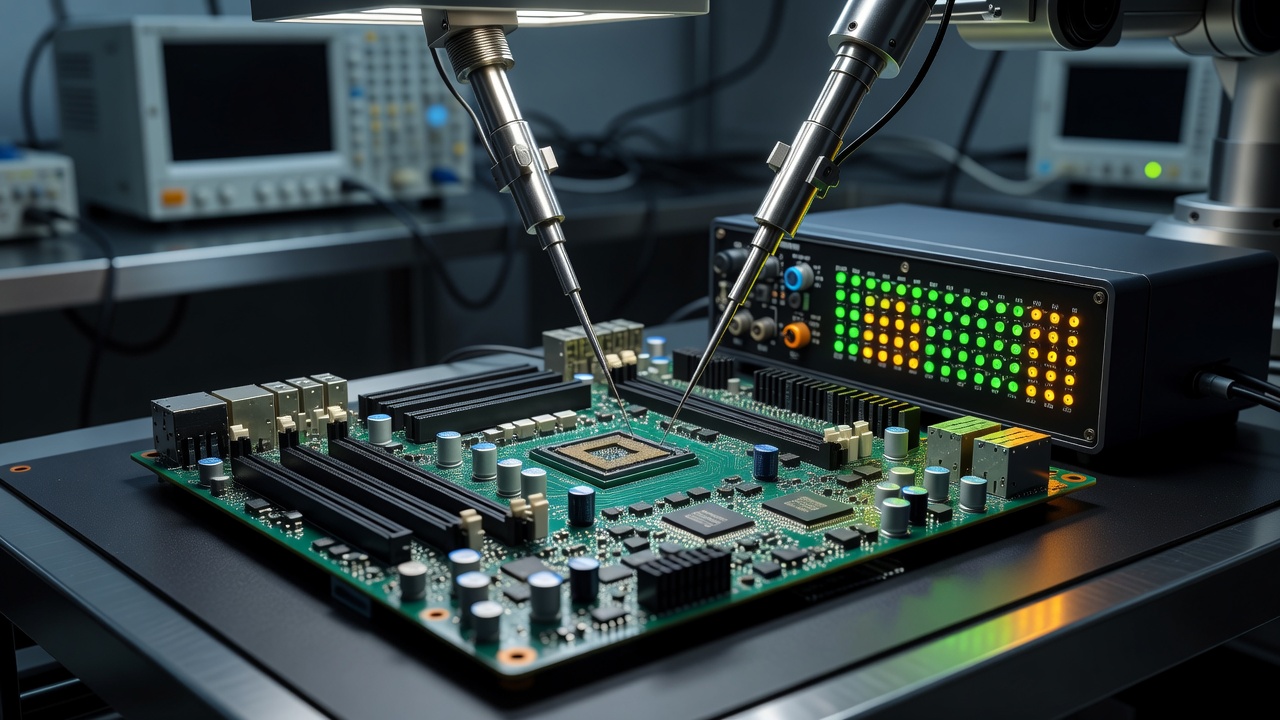
What Diagnostics Involves
A computer problem may need to be assessed before determining an appropriate repair approach. Diagnostics is the process of testing components and software to isolate the cause of failure, instability, or performance degradation.
Potential Areas to Check
- Hardware condition (Motherboard, PSU)
- Storage (HDD/SSD health)
- Memory (RAM tests)
- Operating system integrity
- Applications & Drivers
- Connectivity & Startup behaviour
Diagnostic Process
01
INITIAL DESCRIPTIONReview of reported symptoms.
02
DIAGNOSTIC CHECKRunning appropriate hardware or software tests.
03
FINDINGSReviewing test results and component behavior.
04
RECOMMENDED NEXT STEPDetermining practical options.
05
REPAIR OR FURTHER ASSESSMENTProceeding based on findings.
Important Limitations
Clearly, diagnosis does not guarantee that every fault can be identified immediately. Intermittent issues may require extended observation, and severe hardware failure might prevent full software diagnostics.