Computer Problems? Start With a Clear Diagnosis.
Practical computer repair and troubleshooting for laptops, desktops and everyday technology issues in Kingston, Canada.
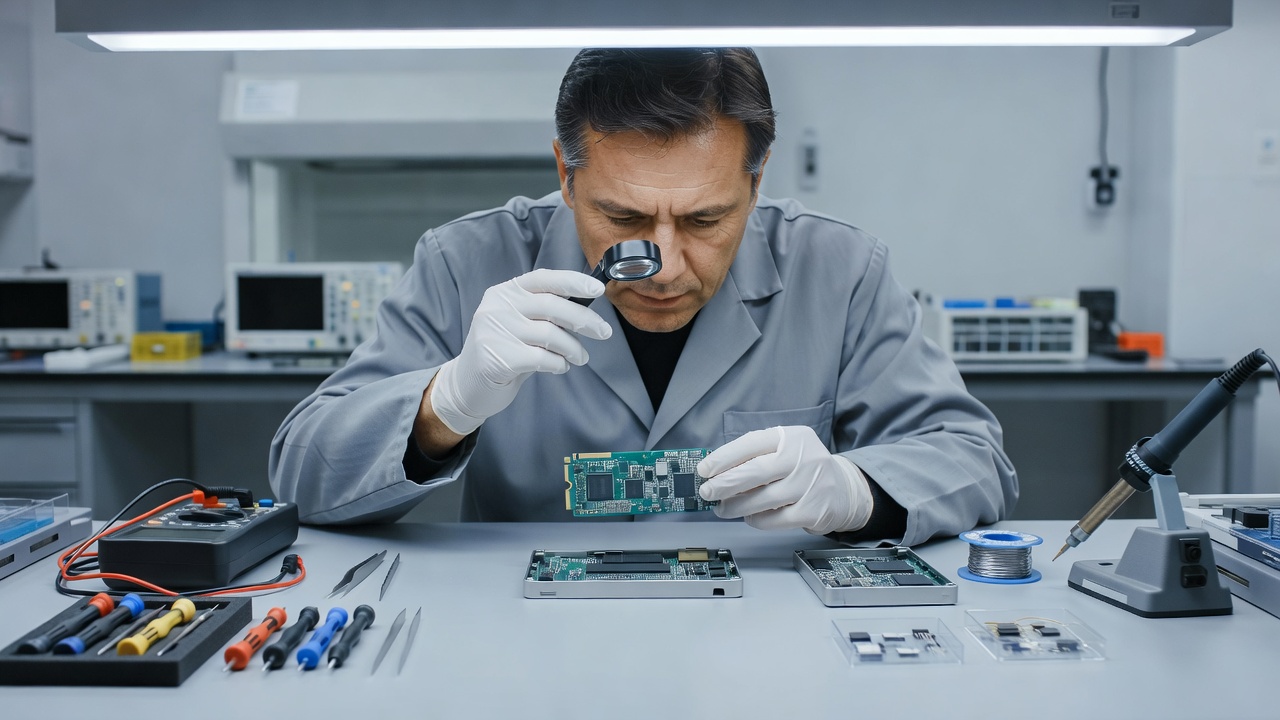
Technical Services
Practical support for hardware and software issues across various computing devices.
Computer Diagnostics
Identify potential hardware or software issues before repair work begins.
Learn MoreLaptop Repair
Troubleshooting and repair support for suitable laptop hardware and software issues.
Learn MoreHardware Upgrades
Support for suitable RAM, storage and other compatible hardware upgrades.
Learn MoreSoftware Troubleshooting
Help identifying and resolving suitable operating-system and application issues.
Learn MoreComputer Performance
Troubleshooting common causes of slow or inconsistent computer performance.
Learn MoreData Transfer
Assistance with transferring files between suitable computers or storage devices.
Learn MoreCommon Computer Issues
Understanding the symptoms is the first step toward finding an appropriate solution. Select an issue to learn more about potential causes.
Slow Performance
Possible causes can include software load, storage condition, memory limitations or other system issues.
Startup Problems
Computers may fail to start because of hardware, operating-system or configuration issues.
Overheating
Heat-related problems may involve ventilation, dust, cooling components or other hardware conditions.
Storage Problems
Storage devices can experience performance issues, errors or capacity limitations.
Software Errors
Applications or operating systems may encounter configuration, compatibility or software-related problems.
The Repair Process
A structured approach to assessing and addressing computer issues.
Note: We do not guarantee that every repair will be successful.
DESCRIBE
Tell us what the computer is doing and what changed.
ASSESS
Review the reported symptoms and relevant hardware or software.
DIAGNOSE
Identify potential causes using appropriate troubleshooting methods.
REPAIR
Where practical, carry out the appropriate repair or replacement.
TEST
Check the computer after the repair or adjustment.
Hardware Components
Support for internal computer components.
Replacement or upgrade suitability depends on the specific computer model and component compatibility. Not every component can be upgraded.
RAM
SSD
BATTERY
COOLING
POWER
DISPLAY
Your Data Deserves Care
Customers should back up important files whenever possible before any service.
Repair work can involve risks to stored data. We do not guarantee data preservation and do not provide professional data recovery unless specifically arranged.
Frequently Asked Questions
We assess common consumer and small-business laptops, desktops, and all-in-one systems. Suitability depends on parts availability and the specific architecture of the device.
Yes. We can perform hardware checks on power supplies, motherboards, and memory to identify why a system fails to initialize.
Often, yes. Upgrading to a Solid State Drive (SSD) or adding RAM can improve performance on compatible machines. We check compatibility before recommending upgrades.
Parts like batteries, displays, and keyboards can often be replaced. However, many modern laptops have integrated components (like RAM or storage soldered to the motherboard) which cannot be replaced individually.
Assistance is available for transferring files from a working drive to a new device or external storage. If the original drive has failed, specialist data recovery may be required.
We provide troubleshooting for operating system errors, driver conflicts, and application issues. Sometimes a clean reinstallation of the operating system is the most practical solution.
Not every fault can be repaired, and some issues may require specialist equipment, replacement hardware or further assessment.
You can use the contact form below to describe your issue and submit a repair enquiry.
Kingston, Canada.
Request a Repair
Provide details about your computer and the issues you are experiencing.
Thank you.
Your repair enquiry has been recorded.